
 BETA · iOS + ANDROID
For Senior Prep swimmers + families
Own your training.
Set a goal. Build a routine. See your progress. Breakers Training helps swimmers take the lead and keeps parents connected.
Get the Beta ↓Choose your Breakers access
Swimmer mode, family sign-in, and staff sign-in are separate paths. Your role controls what you can see after sign-in.
Make training your own.
My Journey
Bring best times, goals and progress together. Pick a goal and see how your swimming develops.
Family Overview
A lasting home for parents, with linked swimmers, schedules and alerts in one place.
Fall Practice Schedule
Launching September 9, 2026. Switch between Team Calendar and Weekly Practices. Families open on practices.
A moment to reset
Four guided mindfulness sessions for before and after practice or a meet.
Train at home
Explore 13 GoMotion-listed dryland exercises. Follow the exercise guidance and supervision notes.
See what’s ahead
Upcoming meet countdowns help you plan. Open the official event page to commit or register.
Get in. Get started.
Choose your phone, then follow one account path below.
iPhone & iPad
Install Apple’s free TestFlight app, open the invitation, then follow the prompts to install Breakers Training.
Get iOS Beta on TestFlight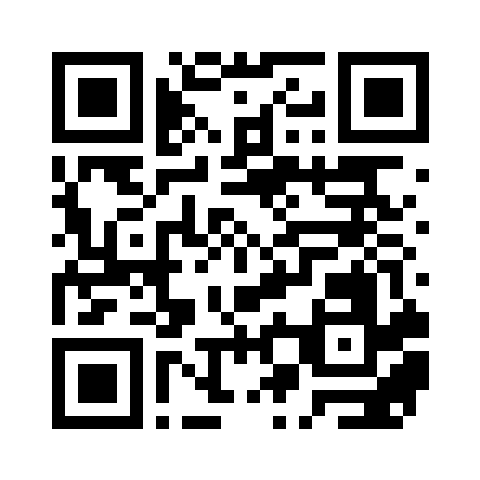
Point your phone’s camera at this code.
Android
Use the Google account invited to the Beta. Accept the testing invitation, then follow the link to install through Google Play.
Get Android Beta on Google Play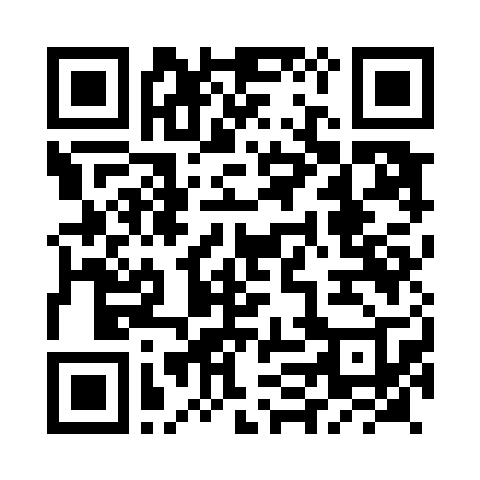
Point your phone’s camera at this code.
Can’t join or install? Email jdugan@ridgewoodymca.org for Beta help.
Choose one way in.
1. Create a new parent account
- Open parent sign-in and choose Create your family account. Use your name and the email the team has on file.
- Enter the 6-digit code sent to your email, then set your own password.
- In the app, open More → Parent account. Sign in with that email and password.
2. Set up a swimmer’s device
- Parent: open Parent account → My Swimmer → Generate setup code.
- Swimmer: on your own device, open More → Swimmer mode. Enter the setup code and choose Activate Swimmer mode.
No swimmer email or password needed. This code works once and expires after 15 minutes.
3. Sign in to an existing parent account
Open More → Parent account. Enter your email and Breakers password, then choose Open parent account.
A look inside

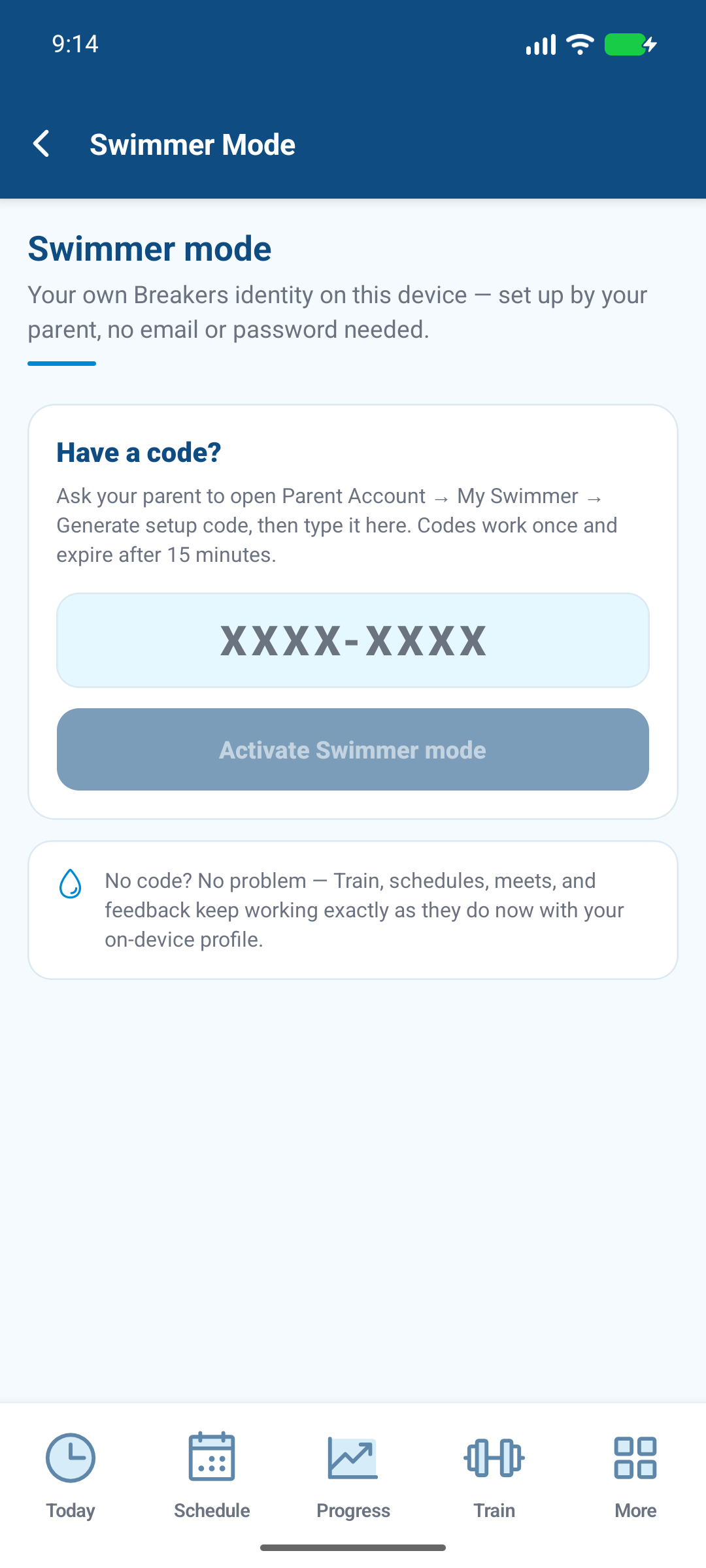
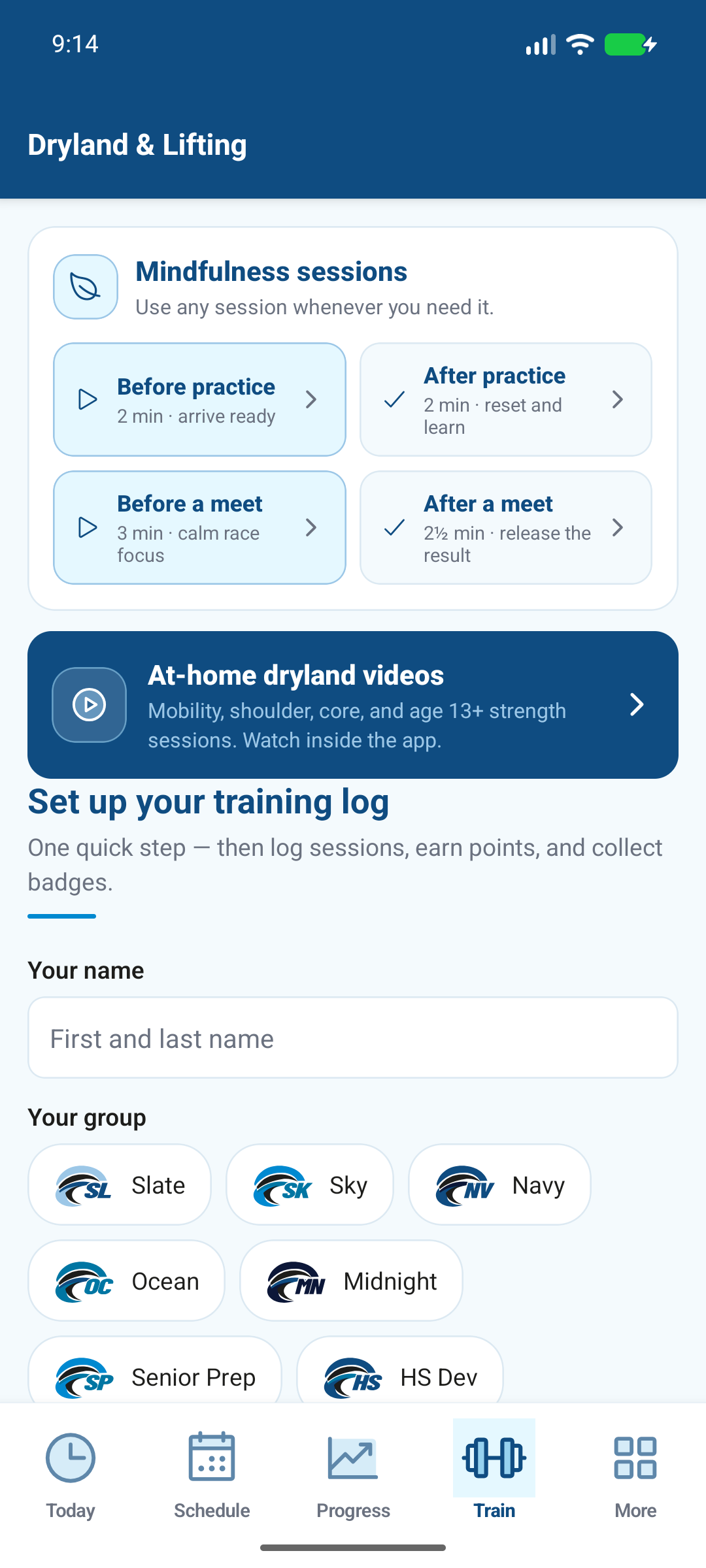
App screens may change as the Beta develops. Tap a screenshot to enlarge it.
Your first few minutes
- Swimmers: find Senior Prep in Schedule, then choose one goal in My Journey.
- Parents: open Family Overview and check your linked swimmers. If someone is missing, email us for help.
Made for printing or saving. The PDF includes clickable app download links.